Stock, orders and returns on the platform
The brand portal is your window on the UAE operation. A short tour of what is where, what you get notified about and what you can download.
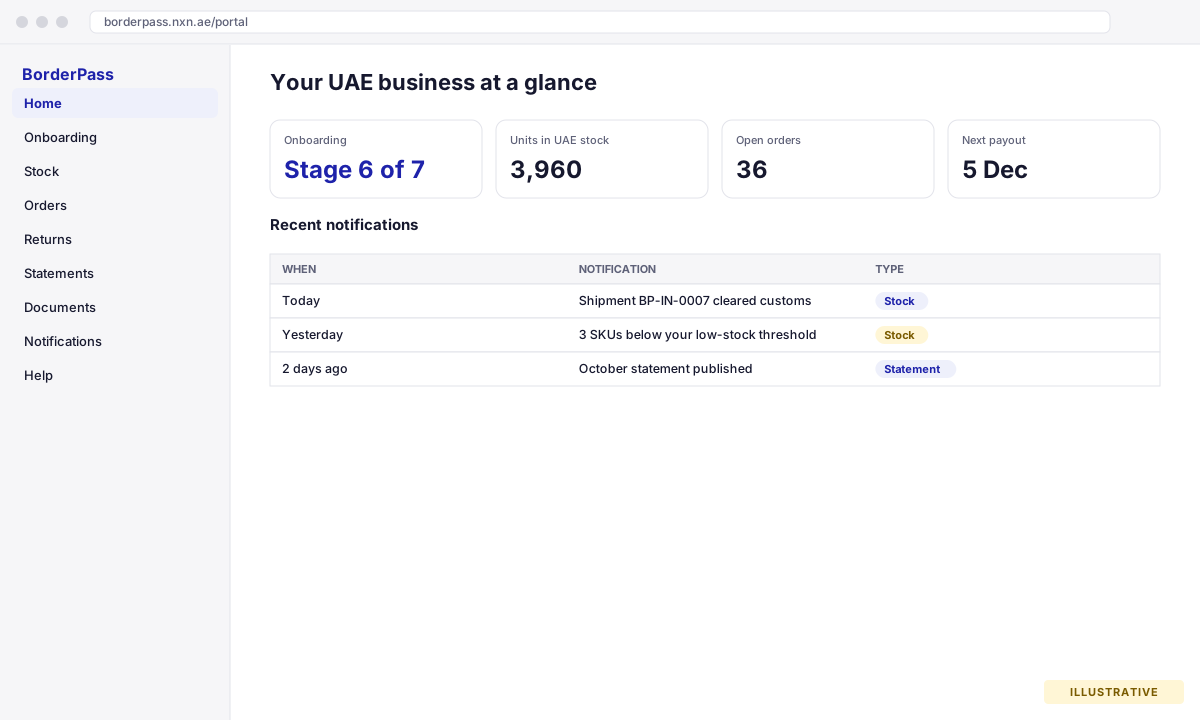
Sign in at borderpass.nxn.ae/portal. The menu follows the life of your stock: in, sold, returned, paid out. Home, Onboarding, Stock, Orders, Returns, Statements, Documents, Notifications, Help.
The pages
| Page | What you find there |
|---|---|
| Home | Onboarding stage, units in UAE stock, open orders, next payout date and the latest notifications. |
| Onboarding | The seven stages with completion dates and notes from your account manager. |
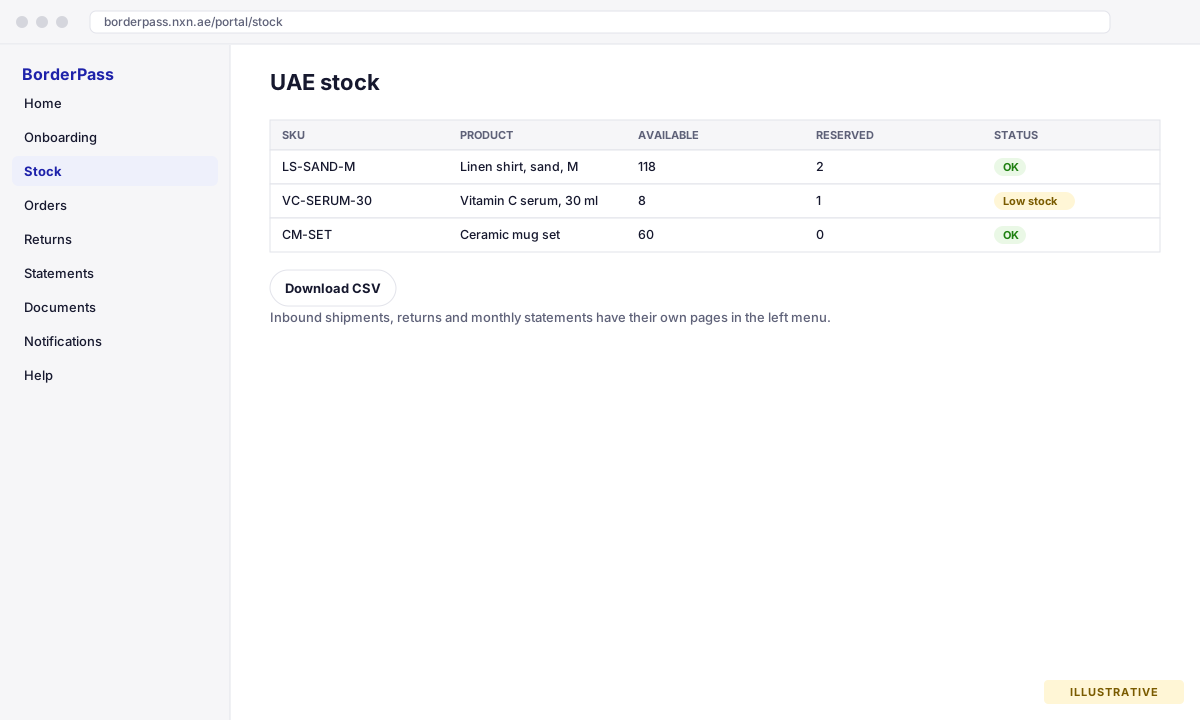
| Stock | Every BorderPass SKU with available and reserved quantities, low-stock flags and inbound shipments (planned, in transit, customs, received). |
| Orders | UAE orders with status (received, packed, shipped, delivered, cancelled, returned), carrier and tracking, payment status and a Test badge for orders placed in gateway test mode. Open an order for the line items, address and the tax invoice PDF. |
| Returns | Customer returns as they are requested, received, inspected and restocked or disposed, with the refund amount. |
| Statements | Monthly statement of account: sales, returns, MoR fee, BorderPass charges and the payout. Published statements are final. |
| Documents | Agreements, product registrations, customs documents and statements as files. |
| Notifications | Everything you were notified about, with unread items counted in the menu. |
| Help | Your Store API key and connection status, the plugin download, this manual, FAQs, your account manager and how to contact us. |
Stock
Quantities update from the warehouse in near real time. Available is what customers can buy; reserved is allocated to orders not yet shipped. Your low-stock threshold (default 10 units) is set on your brand profile; ask your account manager to change it. You are notified when a SKU drops below it. Plan the next shipment when the threshold is reached: allow for transit and customs (see the timeline).
Orders
Orders arrive from your store automatically. Each one shows the items, the customer’s UAE address, payment and the fulfilment status as it moves through the warehouse. Tracking is pushed back to your store (a Shopify fulfilment, or a customer-visible order note on WooCommerce) so your customer gets the usual shipping email. Orders that could not be routed (for example a UAE order for a SKU you did not select or that has no UAE stock) are listed as Not routed with the reason, so you can ship them yourself. Orders placed in gateway test mode carry a Test badge and are excluded from your success metrics and statements.
Returns
UAE customers return locally. The warehouse receives the parcel, inspects it and either restocks the item (available again within a day) or disposes of it if it cannot be resold. The refund is issued through the MoR gateway and appears on your statement. You see every step on the Returns page, and on WooCommerce the store order is marked Returned (BorderPass) when the warehouse receives the parcel.
Notifications
You get an in-app notification and an email for:
- Onboarding stage completed
- Shipment received, customs cleared, stock counted
- Low stock on a SKU
- Order not routed, order returned
- Statement published and payout sent
- New document uploaded
Emails go to every user on your brand account and to your contact email. Add colleagues by asking your account manager.
Downloads
- CSV of stock and orders from the respective pages (filtered the way you see them), and of every statement’s lines.
- PDF of every statement, and of every tax invoice from the order detail page.
- Documents as uploaded (agreements, registrations, customs).